1 month
Try the fit
$14.99USD
- 1 simultaneous screen
- Use your compatible devices
- Setup guidance included
- 24/7 email support

APOLLO GROUP TV SUBSCRIPTIONS
Prepaid access to live TV, films and series through compatible players. Choose your term, see the full USD total and receive setup details by email after payment confirmation.
$14.99 USD for 1 month · 1 screen · paid once
Plans and account support at apolotvgroup.com.
YOUR HOME. YOUR PLAN.
One-stream prices below. Extra simultaneous streams are optional. Each term is paid once.
Try the fit
Settle in
Stay a little longer
Make yourself at home
Request first. Payment instructions by email. No automatic renewal.
USD total for the selected term · One payment · No automatic renewal.
Submit a request and we’ll email your preferred payment link. Savings compare the term with individual monthly plans.
A SETUP YOU CAN SEE
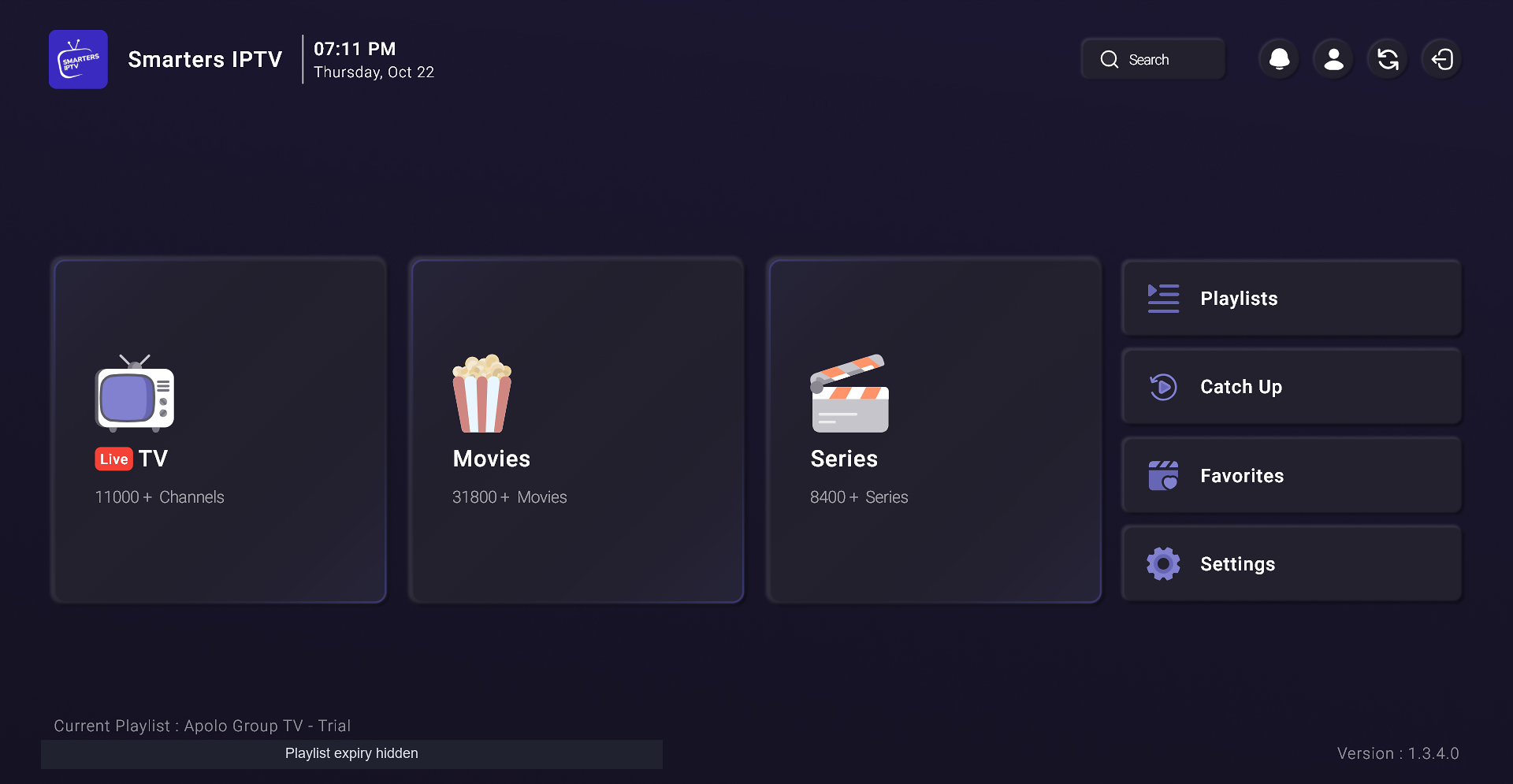
In our owner-reported October 22 Windows sessions, live TV, a movie and a series episode played with sound in three players. No buffering was noticed during those sessions. Explore the exact app identities, private-source setup and dated screenshots.
See the exact app and steps in the Smarters IPTV Windows walkthrough, then use the IPTV service comparison to check the offer, app and full payment.
CHECK YOUR DEVICE
FIND MY SETUP
Pick your device and go straight to the guide that fits. Check compatibility before choosing a plan.
FROM PLAN TO PLAY
Select a term and check the full USD total. Send your contact details and preferred payment method.
We review the request and email the applicable link or instructions. The request form itself takes no payment.
After payment confirmation, we activate access manually and email your login and setup details.
Live channels, on-demand films and series, and an EPG programme guide are included. HD and 4K depend on the stream and device. Ask support about any specific channel before paying.
Plans start at $14.99 USD for one screen for one month. Compare all device tiers and term prices on the plans page.
Choose your plan and send a request with your preferred payment method: PayPal, card via Stripe, Cash App, or crypto. The team emails the payment link or instructions personally.
The team confirms your payment, activates your account manually, and emails your access and setup details. Activation is not automatic.
Yes. Request a free 24-hour trial for one simultaneous screen. No payment details are needed. Activation is manual, your 24 hours begin when access is activated, and the trial does not automatically become a paid plan.
Paid subscriptions include a 7-day money-back guarantee. Request a full refund within seven days of paid-account activation by emailing support with your request reference. See the refund policy for the process.